How to Use Erbab.dev
Learn how to get started with our AI-powered code review platform
GitHub Integration
- Sign in to your Erbab.dev account using your GitHub credentials
- Install the Erbab.dev GitHub App to your repositories
- Select the repositories you want to enable AI code review for
Pull Request Review
- Create a new pull request in your repository
- Erbab.dev will automatically review the changes
- Review the AI suggestions in the pull request comments
- Optionally request a new review with custom parameters
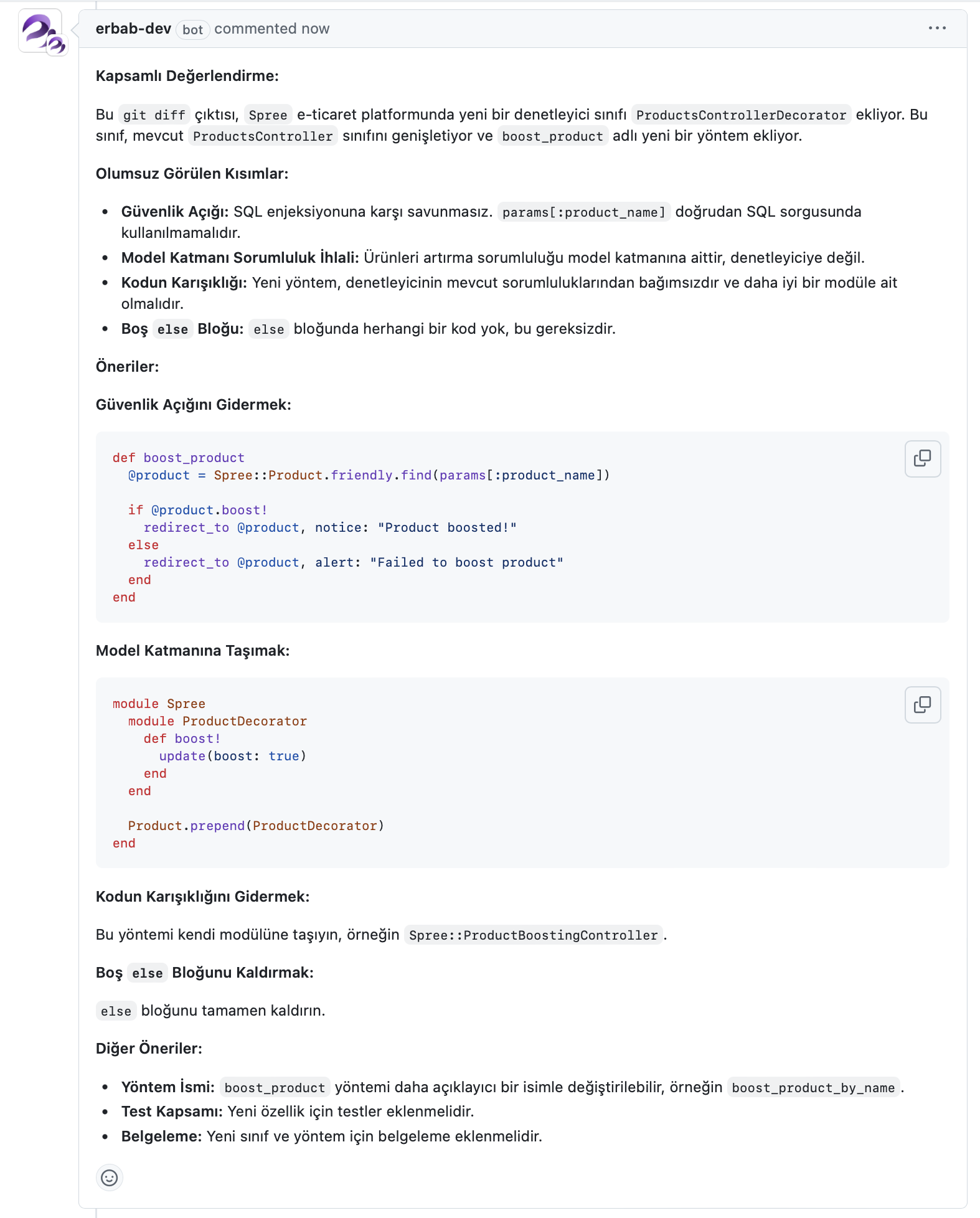
Example of how Erbab.dev provides detailed code review in pull requests
Custom Settings
- Navigate to the Settings page in your dashboard
- Configure custom AI review parameters and prompts
- Set up notification preferences for reviews
Frequently Asked Questions
- How long does the review take?
- Most reviews complete within 1-2 minutes, depending on the size of the changes.
- Can I use custom review rules?
- Yes, you can configure custom prompts and review parameters in your settings.
- Is there a limit to the number of reviews?
- Review limits depend on your subscription plan. Check the pricing page for details.
- How secure is my code?
- We never store your source code. All reviews are performed in memory and immediately discarded.